How to create auto-graded quizzes and diagnostic tests
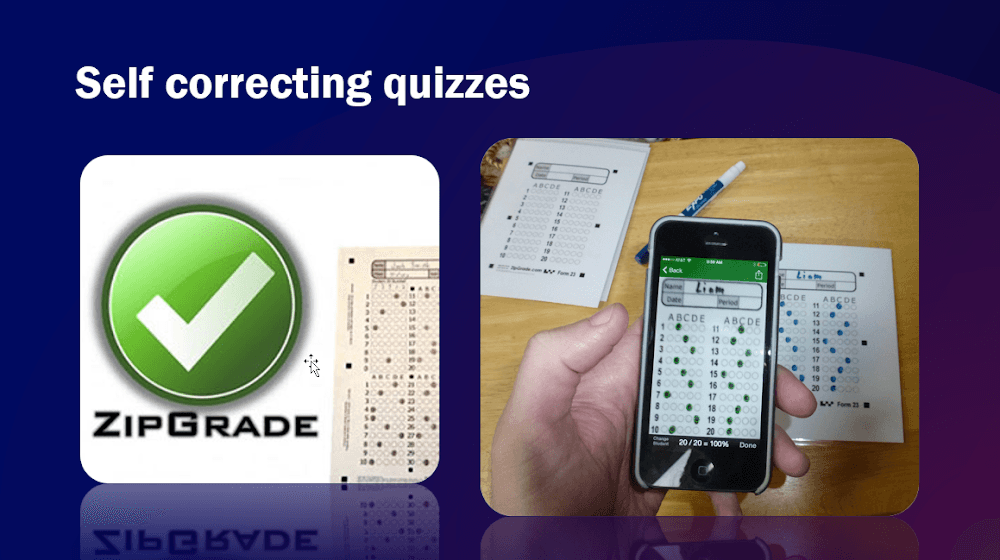
What is needed
- A phone with android or ios. (to install the app).
- ZipGrade App for android or for iOS (to create the answer sheet where students will provide answers that can be scanned).
What it is: A mobile app that scans and grades multiple-choice, fill-in-the-blank, and true/false answer sheets with your phone.
Key features
- Fast and efficient grading: Scan and grade papers in seconds, saving you time.
- Instant feedback: Students receive immediate results, promoting self-reflection and improvement.
- Detailed data insights: Analyze student performance across questions and identify areas for improvement.
- Variety of question types: Grade multiple-choice, fill-in-the-blank, and true/false questions.
- Free & paid plans: Enjoy basic features for free, unlock advanced analytics with paid subscriptions.
Benefits
- Reduce grading time and paperwork significantly.
- Provide students with immediate feedback for better learning.
- Gain valuable insights into student understanding and areas for improvement.
- Make grading more manageable and less time-consuming.
- Offer a flexible and portable grading solution.
Resources
- Website: https://www.zipgrade.com
- Tutorials: https://www.youtube.com/watch?v=_dcD713JM2o
Thank you for reading!
We hope you found the app valuable. Please feel free to reach out with any questions or feedback.